
-

3 Steps for Staying Organized with Microsoft To Do
Use Microsoft To Do and its integrations with Outlook and Microsoft Planner to stay organized and focused on all of your tasks.
-

How to Take Your Conference Rooms to the Next Level with Microsoft Teams Rooms
Meeting needs are changing. As we begin to emerge from the era of “remote everything,” the ways we stay in touch […]
-
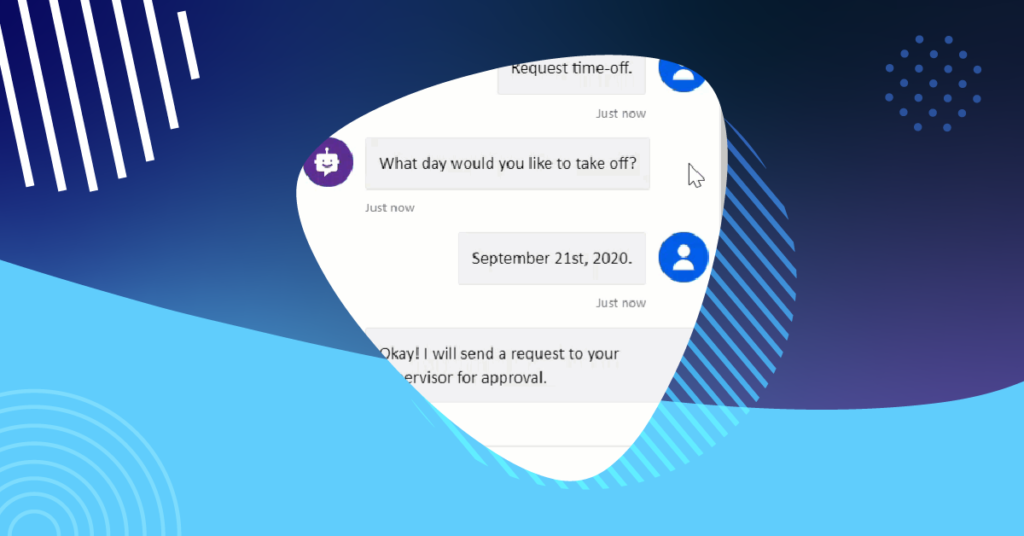
Create an Easy Chatbot with Power Virtual Agents
Power Virtual Agents empowers anybody to easily create powerful chatbots for an endless variety of purposes. With its novel, intuitive, […]<...
-

Happy (Microsoft) New Year!
Anniversaries, birthdays, and new years (including fiscal years) are all example milestones or events on the calendar that give us […]
-

Microsoft F3 License and 5 Reasons You Should Utilize It for Firstline Workers
Empower your Firstline Workers with purpose-built tools and resources that allow them to do their best work.
-
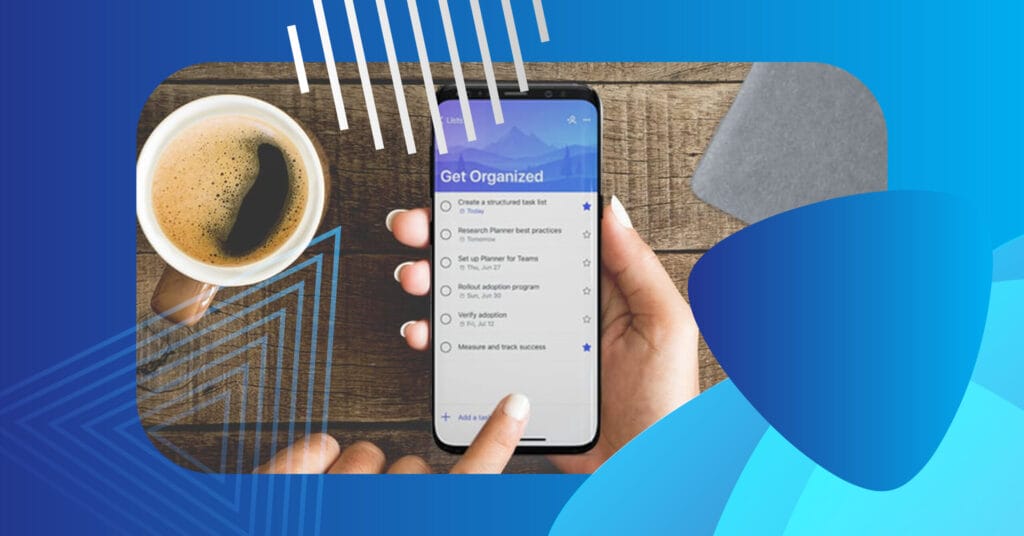
Microsoft Planner and To-Do: Tips to Improve Productivity
Microsoft Planner and To-Do Productivity Tips If you are using Microsoft To-Do and Microsoft Planner you are likely aware […]